Most of the AI writing you read this year came out of a free plan. That sounds like a guess, but the numbers back it up. The Reuters Institute’s Generative AI and News Report 2026 found that half of people (51%) in six tracked countries now use a chatbot every week, yet only 10% pay for one with their own money. Add the 9% who get paid access through work or school, and you still have roughly four out of five people writing on whatever the free tier gives them.
So the useful question isn’t which chatbot tops a benchmark. It’s which free one writes something you’d actually send without rewriting half of it. I’ve spent a lot of time with these tools for emails, posts and first drafts, and the differences are bigger than the marketing suggests.
What “Natural Writing” Means When a Chatbot Holds the Pen
Natural doesn’t mean casual. It means the text sounds like a person made choices. Short sentences sit next to longer ones. The opener gets to the point. Specific details replace vague praise, and the draft stops when it’s done instead of adding a tidy recap nobody asked for.
A chatbot that writes naturally also listens. When you say “shorter, and less salesy,” the next version should actually change, not just swap three adjectives.
A five-minute test you can run on any free tier
- Give every chatbot the same prompt, like a follow-up email to a client who missed a deadline.
- Read only the first sentence. If it thanks them for their time or hopes they’re well, note it.
- Ask for a revision that’s 40% shorter and see whether the meaning survives.
- Paste in three sentences you wrote yourself and ask it to match the tone.
- Read the result out loud. Your ear catches stiffness faster than any checklist.
Why the Free Tier Matters More Than the Leaderboard
Benchmarks test the top paid models. Most people never touch those. The Reuters Institute report says as much: because so few people pay, most users have likely never used the newer, more capable versions that paid subscribers get.
The market is also less of a one-horse race than it was. Similarweb’s 2026 Generative AI Landscape data shows ChatGPT’s share of worldwide AI chatbot web traffic falling from about 76% in June 2025 to roughly 53% by May 2026, with Gemini climbing past a quarter of all visits. Survey data tells the same story from the user side.
Weekly use of each AI system, average across six countries. Source: Reuters Institute, Generative AI and News Report 2026.
Weekly users now average two different systems, according to the same report. That’s worth taking seriously. You don’t have to marry one chatbot. You can pick the one that writes best for each job.
The Free Chatbots Worth Your Time in 2026
ChatGPT Free
ChatGPT is still the default for good reason. OpenAI’s help center says free users get GPT-5.6 Luna with unlimited everyday text chats, subject to abuse safeguards, while uploads, image creation and data analysis carry their own limits. That makes it the most generous free plan for back-and-forth drafting.
The catch is the voice. Left alone, it leans polished and a bit generic, the kind of copy that’s fine but forgettable. It improves a lot once you feed it a sample of your own writing. One more thing: OpenAI notes that ads may appear on the free tier in certain countries, and Similarweb’s 2026 report estimates about 26% of ChatGPT responses now contain one.
Claude Free
Claude has a reputation among writers for restraint. It tends to cut filler, keep paragraphs lean and avoid the overexcited tone some tools default to. The free plan runs on Anthropic’s Sonnet and Haiku models, with Opus reserved for paid plans.
The weak spot is the usage limit. It’s session based and resets every few hours, so a long editing session can stall right when you’re on a roll. Fine for a cover letter. Frustrating for a 3,000-word report.
Gemini Free
Gemini is the obvious pick if you live in Gmail and Google Docs. Be aware of a recent change, though. Google’s help page says that from October 9, 2026, personal accounts without an AI plan run on an Auto setting that sends most prompts to Flash-Lite, its fastest model, with harder prompts sometimes routed to Flash or Pro.
For quick replies and summaries, that’s plenty. For writing that needs nuance, like a delicate message to a colleague, you may notice the lighter model taking shortcuts.
Phrasly Neo
Phrasly Neo is the one built specifically around how text sounds, which is why I’d call it the top free AI chatbot for natural writing for people whose main job in a chat window is drafting. Phrasly says Neo is optimized for human writing and natural conversation, and it’s available on every plan, including free, with daily limits.
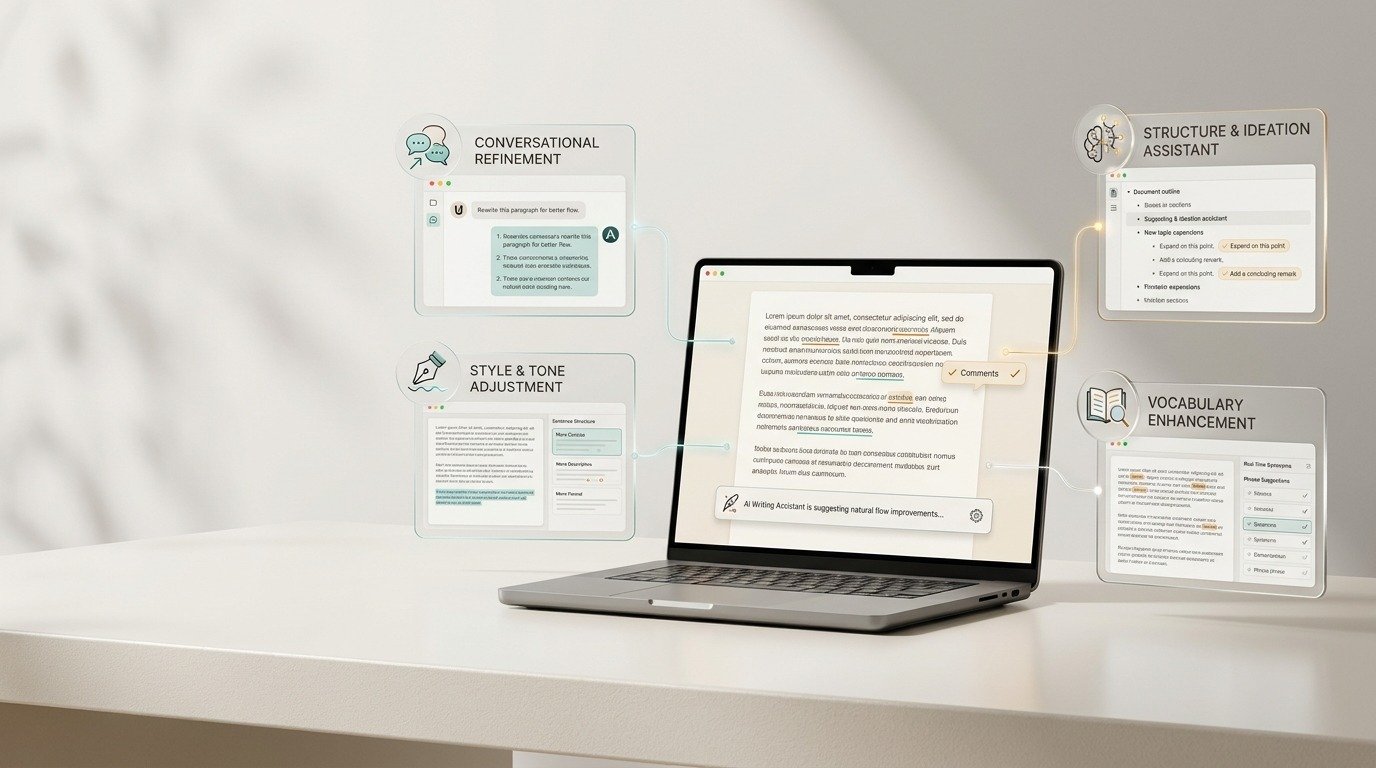
What sets it apart for writers is the toolkit inside the chat. You can ask Neo to humanize a draft or run an AI check without copying text into another tab, with access following your plan. Longer pieces get written on a page beside the conversation and saved to Phrasly Docs, though free plans cap those documents at 500 words. Web search and image creation are paid features, and Phrasly is upfront that a humanized draft isn’t a guarantee of any detector score. If you need a heavier rewrite, paid plans use Phrasly Ultra, its specialist humanizer.
Side by Side: What Each Free Plan Gives a Writer
| Chatbot | Free model access | How limits work | Best for | Watch for |
| ChatGPT | GPT-5.6 Luna | Unlimited everyday chat, tools capped | Long back-and-forth drafting | Generic default voice, ads in some countries |
| Claude | Sonnet and Haiku | Session limit, resets every few hours | Lean, restrained prose | Hitting the cap mid-draft |
| Gemini | Auto, mostly Flash-Lite | Compute-based standard limits | Gmail and Docs users | Lighter model on nuanced writing |
| Phrasly Neo | Neo | Daily limits; docs up to 500 words | Drafts that need to sound human | Humanizer and detector follow your plan |
Plans and limits change often. Everything above was checked in early November 2026, so give your favorite a fresh look before you commit to a workflow.
How to Get More Natural Drafts From Any Free Chatbot
The tool matters, but the way you use it matters more. Reuters found that using AI to create text grew from 14% to 20% of people in a single year, and plenty of that output reads the same. A few habits fix most of it.
- Show, don’t describe. “Friendly but direct” means nothing to a model. Three sentences you actually wrote mean a lot.
- Ban your pet peeves. Tell it which openers and phrases to skip. It listens better than you’d expect.
- Edit one thing at a time. Ask for shorter, then warmer, then simpler. Stacking five changes in one request blurs all of them.
- Protect the facts. Names, numbers and your call to action shouldn’t move during a rewrite. Check them every time.
- Finish by hand. Add the detail only you know, like the client’s name or the thing that went wrong last week.
If you’re polishing drafts for a brand rather than yourself, Phrasly’s guide to AI tools that cut editing time without losing brand voice goes deeper on locking terminology and comparing edits against the original.
Pick the Chatbot That Sounds Like You, Then Keep Your Hand on the Draft
There’s no single winner here, and anyone who claims otherwise is selling something. ChatGPT gives you the most room to talk. Claude writes the tightest prose until its limit kicks in. Gemini fits neatly into Google’s apps but now leans on a lighter model. Neo is the one designed around natural writing from the start, with humanizing and AI checks sitting in the same chat.
Run the five-minute test on two or three of them this week. Use the same prompt, read the openers, and keep the one that needs the fewest fixes. Then treat whatever it gives you as a strong first draft, not the final word. The best free chatbot still can’t know what you meant to say. You can.